AI headshots or a photographer? What to weigh before you decide for your team
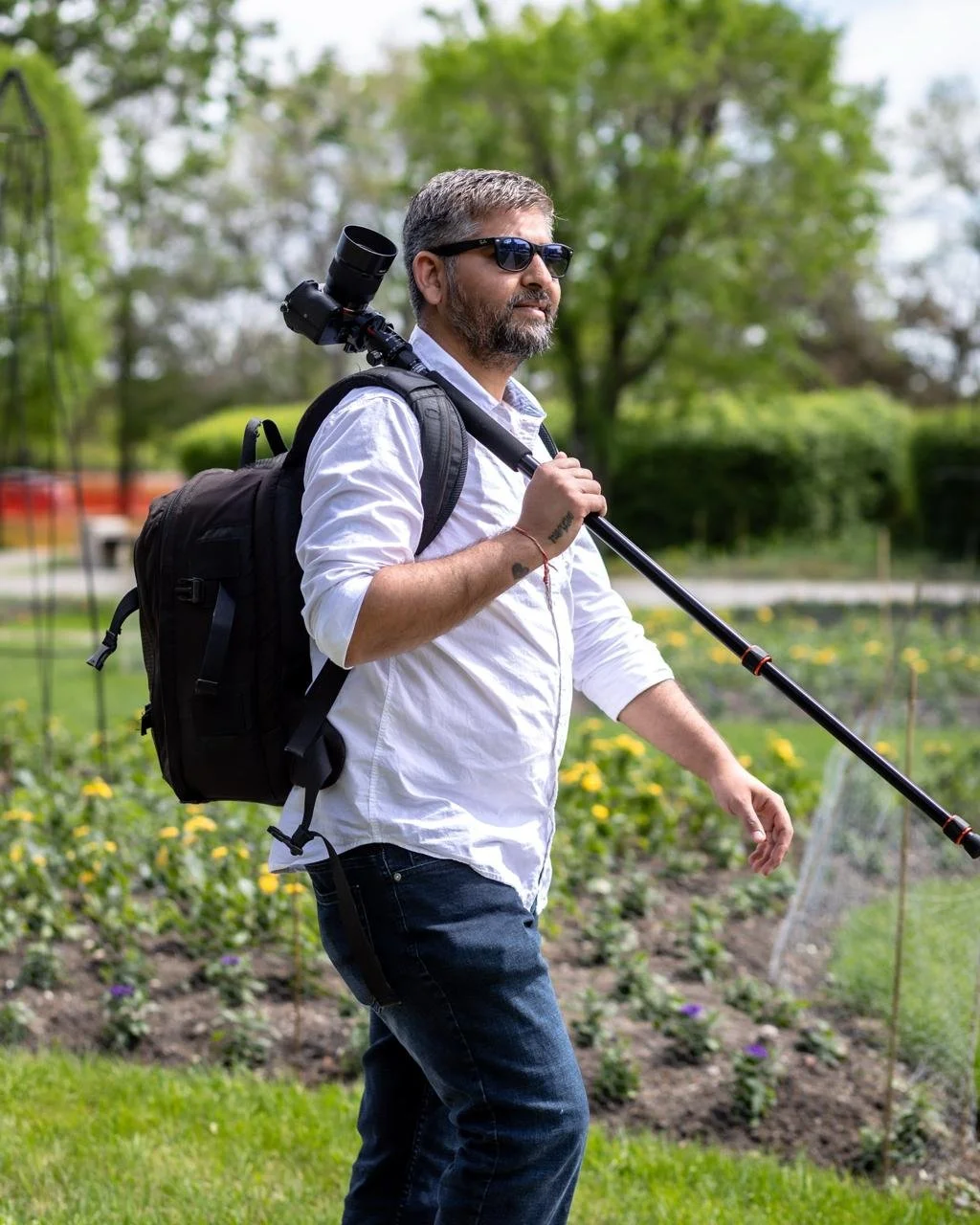 Nirmesh Vadera
5 min read
In this guide
- Key takeaways
- How do AI headshot tools work?
- When do AI headshots make sense?
- Where do AI headshots cause problems?
- How do AI headshots compare with a photographer?
- What should you ask before choosing an AI headshot tool?
- What should you ask a photographer instead?
- How do you use AI headshots fairly?
- Which should your team choose: AI or a photographer?
- What else do people ask about AI headshots?
Key takeaways
- CostA Vadera team day is $79 per person for 8 or more, $149 for one person.
- ConsentCanada’s Privacy Commissioner says staff consent should be clear, informed and voluntary.
- Real caseIn 2026, an Ask a Manager reader’s boss uploaded staff photos to an AI tool without asking.
- TimeA real headshot takes 5 to 7 minutes per person at your office.
- ChecksBefore uploading, ask if photos train the tool, if you can delete them, and who can access them.
This is for you if
- HR teams weighing an AI headshot tool
- Teams whose clients meet staff in person
- Managers who need staff consent sorted first
Not the right fit if
- Fully remote, internal-only directories (AI may be fine)
- Teams with no budget for any photographer
I'm a photographer, so you might expect me to say AI headshots are terrible. I won't. They have a place.
But it's an easy decision to make too quickly. An ad promises a full set of headshots for less than lunch, and the whole team's photos end up in a tool nobody read the terms of.
This guide is an honest look at both options, so you can decide for your team.
How do AI headshot tools work?
Most AI headshot tools follow the same steps:
- Each person uploads a set of selfies or casual photos.
- The tool builds a model of their face.
- It generates dozens of "professional" headshots in different outfits and backgrounds.
- You pick the ones you like.
It's quick, and it's usually much cheaper than a photographer.
When do AI headshots make sense?
To be fair, there are real cases:
- A remote team spread across many cities or countries. Getting everyone in front of one photographer may not be practical.
- Internal-only photos. An org chart or a staff directory that no client ever sees.
- A short-term placeholder. Something for a new hire's first week until a real photo is taken.
- A very tight budget. When the choice is AI or nothing.
If one of these is you, AI might be fine. Read the section on consent below first.
Where do AI headshots cause problems?
1. Consent and privacy
This is the big one.
In 2026, someone wrote to the advice column Ask a Manager about a manager who uploaded staff's LinkedIn headshots into an AI tool, without asking, to make cartoon-style "personas" of them. The advice was clear: staff can tell their manager they don't want their photos uploaded to AI at all, for privacy reasons. (Ask a Manager, 2026)
A face is about as personal as information gets. Canada's federal privacy regulator says employees have a right to know how their information is collected and used, and that consent should be clear, informed and voluntary. (Office of the Privacy Commissioner of Canada)
This isn't legal advice. But in plain terms, before anyone uploads a staff member's photos to an AI tool, ask them. And before you choose a tool, find out:
- Whether they're used to train the tool's models.
- Whether you can delete them, and how.
- Who else can access them.
If you can't find clear answers, that's your answer.
2. Likeness
AI headshots can look polished and still not quite look like the person. A slightly different jaw. Smoother skin. Teeth that are a little too perfect.
On LinkedIn, that might pass. In a client meeting, it can feel odd when the person who walks in doesn't match the photo. For a business where trust matters, like a clinic, a law office, a financial adviser or a real estate team, that small gap matters more.
3. Matching the team
A team page works when everyone looks like they belong together: same background, same light, same crop.
AI tools generate each person separately. Unless the tool is very consistent, you can end up with slightly different lighting and backgrounds across the team. Some people will look more "AI" than others.


4. People who don't want to do it
Some staff are uncomfortable with AI tools, for privacy reasons or just on principle. You can end up with a team page that's half AI and half real photos, which is hard to make look consistent.
5. Events and real moments
AI can't photograph your conference, your awards night, or your team at work. If you need those, you need a photographer anyway.
How do AI headshots compare with a photographer?
| AI headshot tool | Photographer at your office | |
|---|---|---|
| Cost | Usually low | With me, $79 per person for teams of 8+, $149 single |
| Time per person | Upload selfies, wait for results | 5 to 7 minutes in person |
| Looks like the person | Varies. Check every photo carefully. | Yes. It's a photo of them. |
| Team matching | Varies by tool | Same backdrop, light and crop |
| Staff choose their photo | Yes, from generated options | Yes, from a private gallery (with me) |
| Consent and privacy | Depends on the tool's terms. Ask staff first. | Photos stay between you and the photographer |
| Remote staff | Easy | Needs a local session, or a remote option |
| Events and workplace photos | No | Yes |
| Best for | Remote, internal-only teams | Teams clients meet in person |
What should you ask before choosing an AI headshot tool?
- Have we asked every person, and are they comfortable with it?
- What does the tool do with the photos after?
- Can we delete everything when we're done?
- Will the results look like our people when clients meet them?
- Will the photos match each other, and match new hires next year?
- Where will the photos be used, and is that OK under the tool's terms?
What should you ask a photographer instead?
I cover these in detail in 9 questions to ask before you book a corporate photographer. The short version:
- Who picks each person's photo?
- When will we get the files?
- Can staff use their photo on their own LinkedIn?
- Can you match new hires later?
How do you use AI headshots fairly?
If AI headshots are the right fit for your team, a few steps keep it fair:
- Ask each person first, in writing. Make it easy to say no.
- Tell them where the photos will be used. Website, LinkedIn, internal directory.
- Read the tool's privacy terms. Check storage, training and deletion.
- Let each person choose their own result, and reject any that don't look like them.
- Delete the uploads when you're done, if the tool allows it.
- Don't mix AI and real photos on the same page unless they genuinely match.
A short message you can send staff:
Hi team, we're updating staff photos for [where]. We're considering an AI headshot tool, where you'd upload a few selfies and it creates professional-looking photos. The tool [stores/deletes] photos after [time], and [does/doesn't] use them for training. Taking part is optional. If you'd rather not, we can [alternative]. Please let me know by [date].
Which should your team choose: AI or a photographer?
- Clients will meet your people? Use a photographer. A real photo that looks like them is worth the cost.
- Fully remote, internal-only team? AI may be fine. Ask your staff first, and read the terms.
- Mixed team? Photograph everyone who can come in, and match the rest later in the same setup.
If budget is the reason you're considering AI, it's worth checking the real numbers. A team day with me is $79 per person for 8 or more. I break it down in what corporate headshots cost in Regina.
My honest view: AI headshots are getting better, and for an internal directory they can be fine. But a headshot is often the first time a client sees you. I'd rather that photo actually looks like you when you walk into the room.
What else do people ask about AI headshots?
Are AI headshots good enough for LinkedIn?
Sometimes. Check that each photo really looks like the person. If people will meet them in person, a real photo is safer.
Is it OK to upload employees’ photos to an AI headshot tool?
Ask each person first, and check what the tool does with the photos. Consent should be clear and voluntary.
Do AI headshots match across a team?
It depends on the tool. Compare the whole set side by side before you publish.
How much does a real team headshot cost in Regina?
With me, $79 per person for teams of 8 or more, plus PST.